- The problem
- Posting on LinkedIn or Instagram needs scroll-stopping visuals, but designing them takes skills and hours in design tools.
- My role
- Solo — product, design and build
- What I did
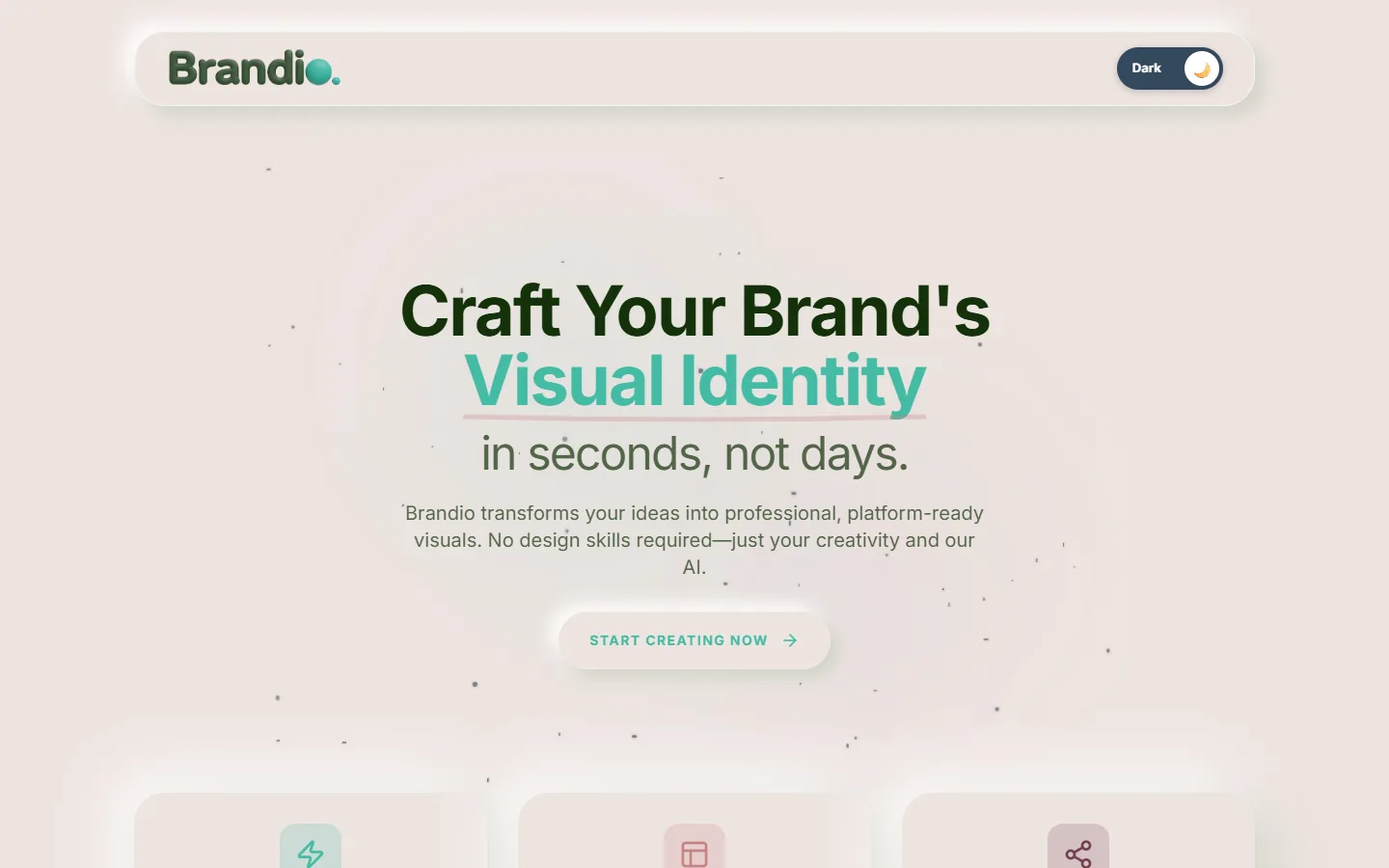
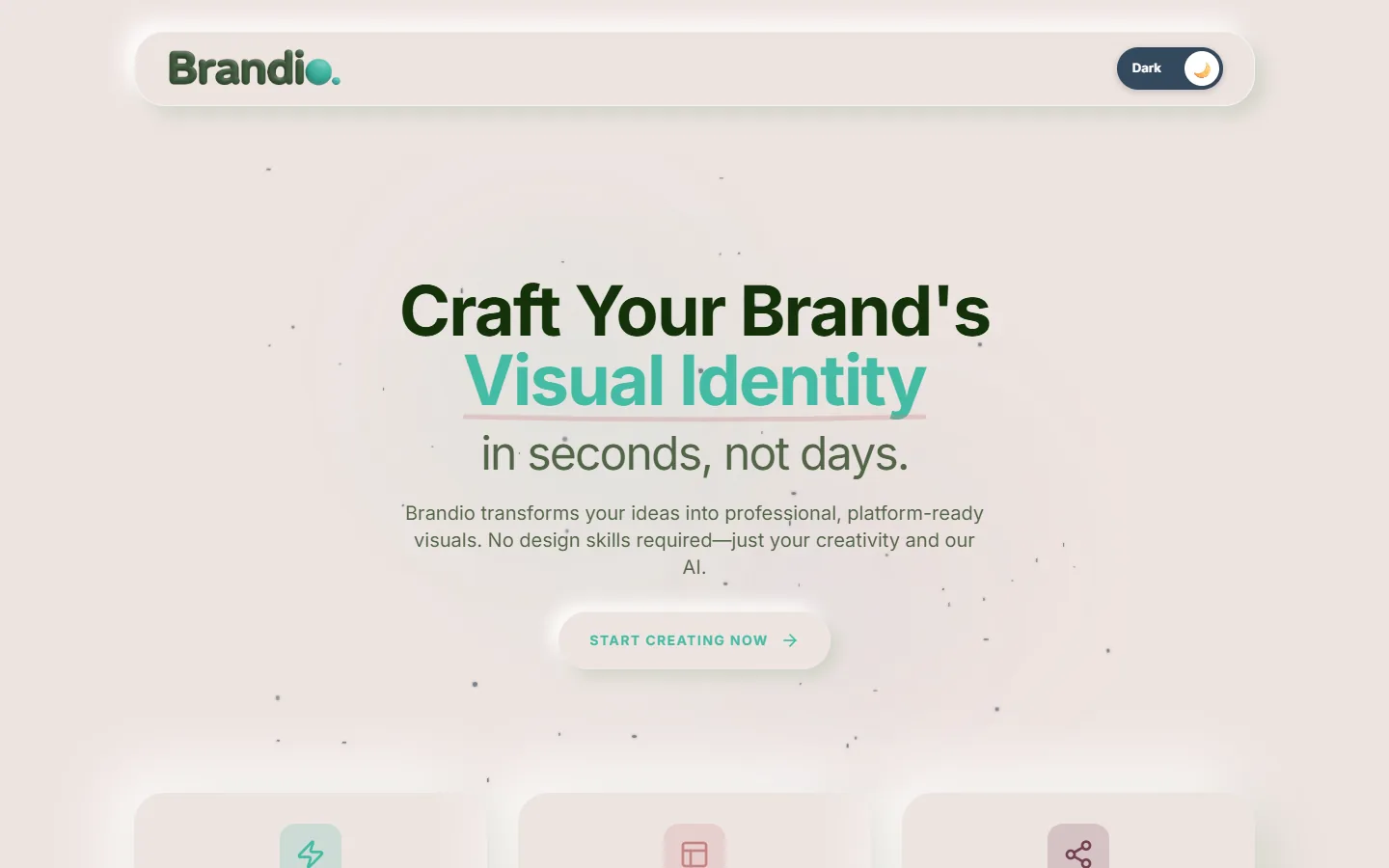
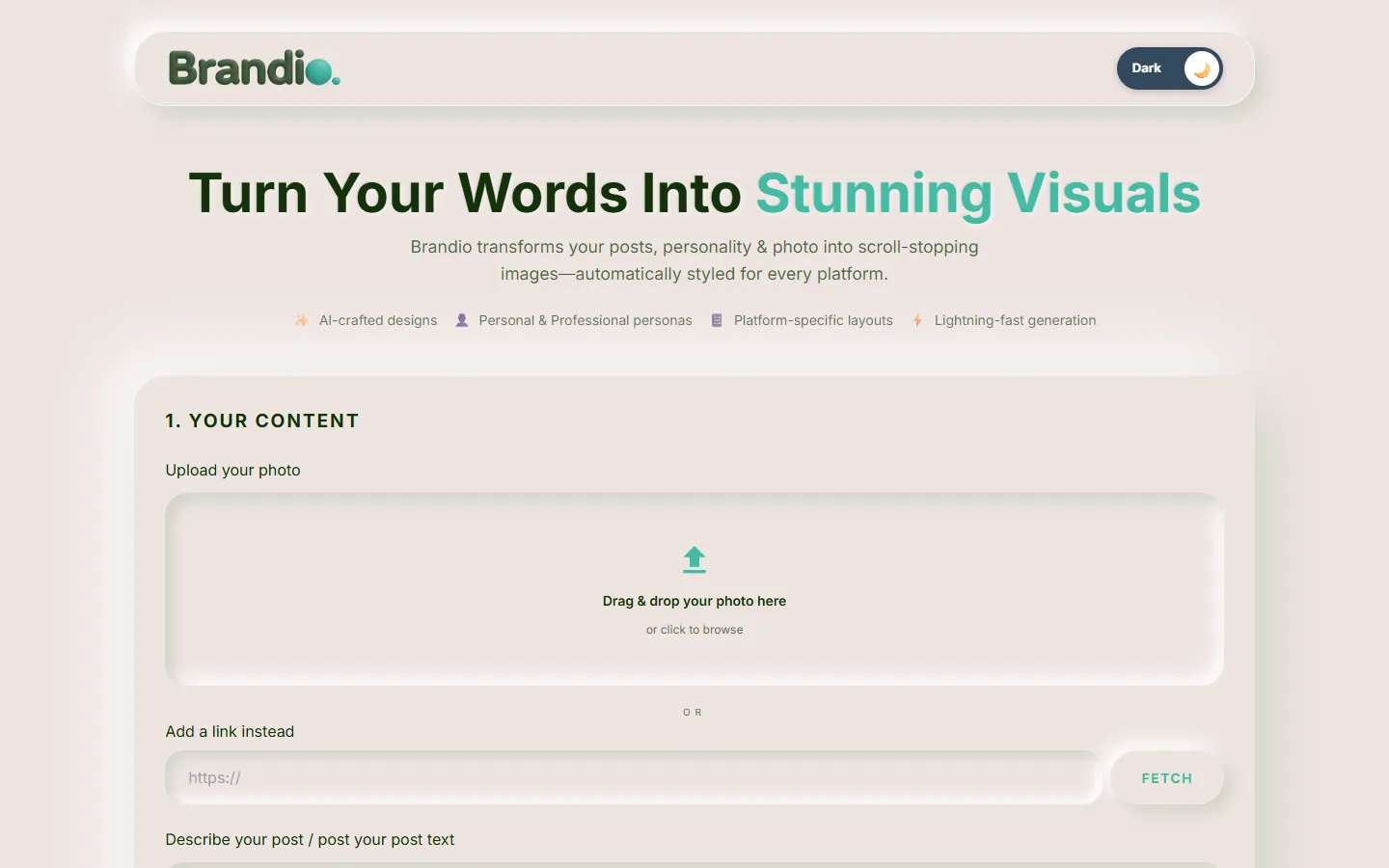
- Built a browser-based AI studio: add a photo and your post text, pick a persona, platform and template, optionally add a style reference, and Brandio generates the branded image.
- Outcome
- Live and free to try at brandio.logeshwar.in.
How it works
- Your content – upload a photo (or paste a link) and describe the post.
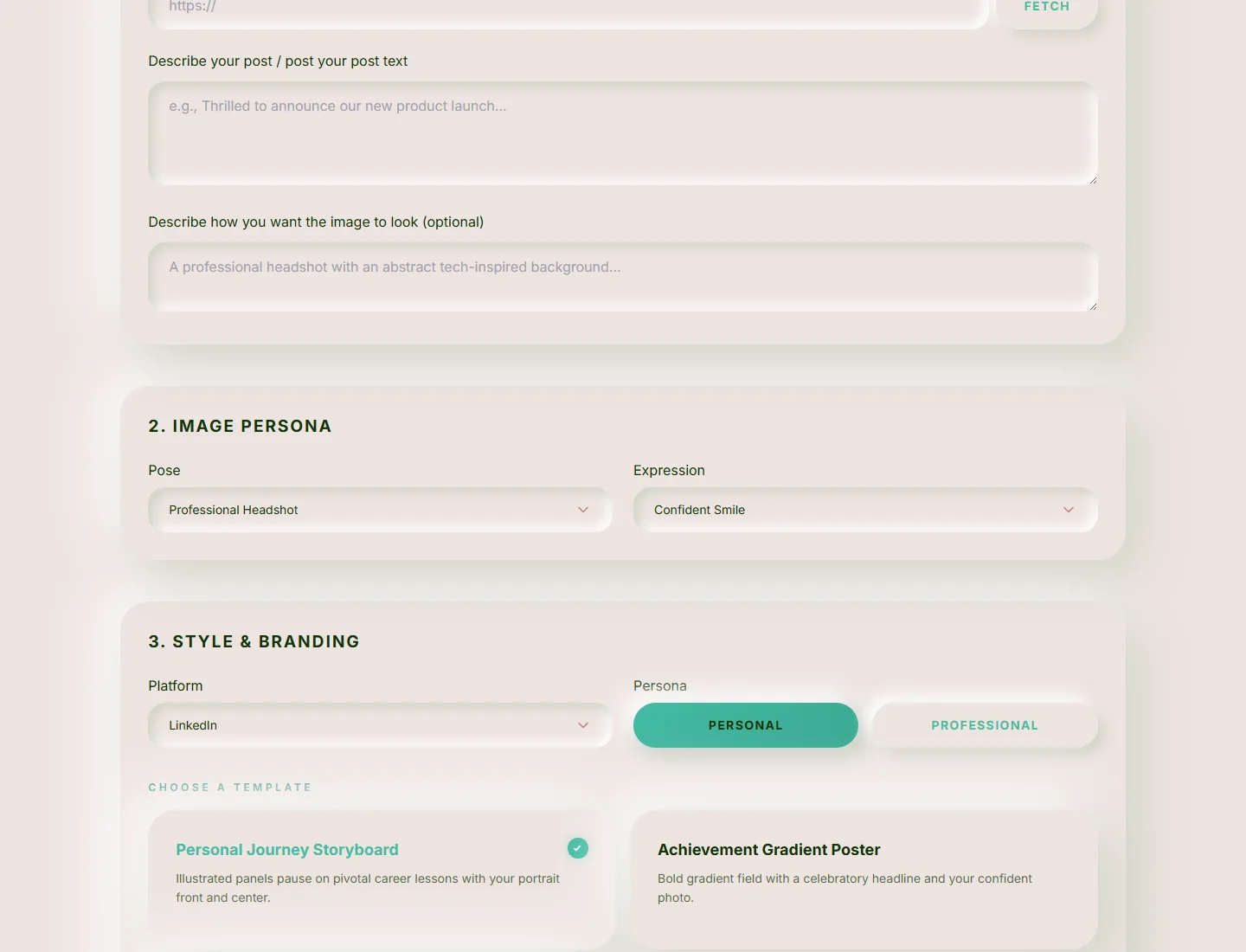
- Image persona – choose a pose and expression, such as a professional headshot with a confident smile.
- Style & branding – pick the platform (LinkedIn, X, Instagram…), a personal or professional persona, a template, brand colour, font and an optional watermark.
- Inspiration & layout – drop in a reference post or poster to borrow its lighting, composition or vibe, and choose square, landscape or portrait.
Product decisions
- Structured prompts, not a blank text box. Every choice in the form becomes part of a structured prompt, so results stay on-brand without prompt-writing skills.
- Persona-aware generation. Personal and professional personas, poses and expressions keep the person in the image looking like themselves and fitting the platform.
- Safety guardrails on what can be generated, built in from the start.
- Templates for common posts – a career storyboard, an achievement poster and a minimal reflection card.